
- 04/12/2016
- Posted by: Unika
- Category: All, Business, Internet, Miscellaneous, PC Security and Antivirus, Technology
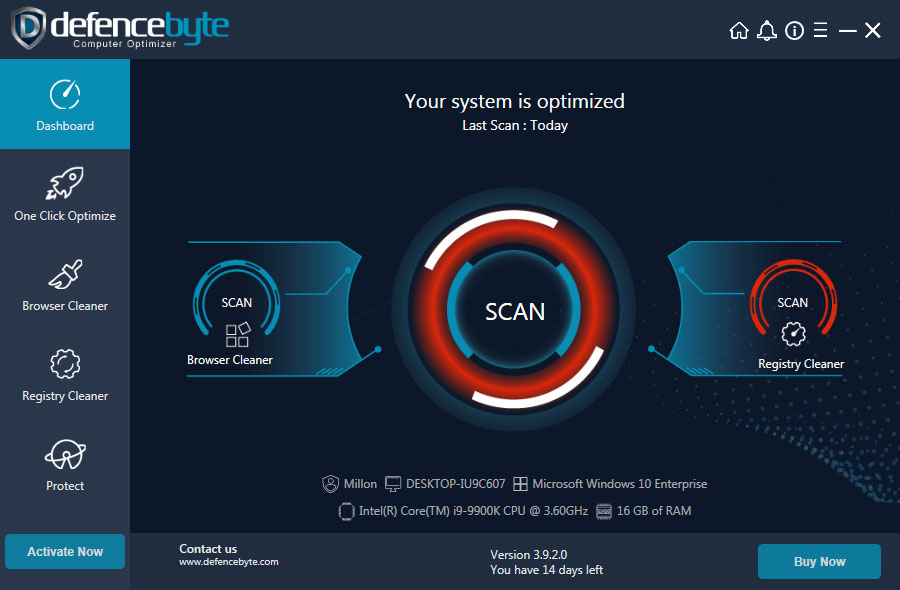
Custom PC Cleaner Software Development Company – PC Optimizer, Computer Optimizer Development under your Brand Name
With the excessive usage of the internet, emails, social media, and IOT, cyber threats and hacking are increasing rapidly. You need a reliable and robust PC Security System to protect your hardware, software, and other information from cyber-attacks & malware. With the dependence on the internet & Global digitization, most of our work will be driven online, starting from business conferences, online banking, information transfer, and shopping to online bookings. Reports & research predict that cyber threats will be the prime concern for organizational & individual data security & integrity. In this present scenario, no one is safe; cybercriminals are waiting to detect loopholes in your system and breach your personal data, including your social & financial accounts & hack them. Results could be miserable for individuals as well as organizations. As per reports, many USA companies faced annual losses of more than 525 million USD due to cyber-attacks, and every 1 in 10 people is a victim of cyber offenses.
Continuous developments are going on in this sector. Unika Infocom has also been doing its R&D for more than ten years in PC Security segments, apart from its other IT Solutions & Services such as Software & Web Development, ERP, Android & iOS App development, B2B & B2C Portals, and Digital Promotion. Unika Infocom has a strong market presence in IT solutions & services, and they also have a very impressive track record of developing high-end PC Security products for their clients. They have a virtuoso talent pool with vast knowledge & experience in PC Security Products Development such as Antivirus, PC Cleaner, Internet Security, PC Tune-up & PC Booster, Popup Blocker, Malware Protection, Driver Detective & Mobile Security product development for Android & iOS. Unika Infocom develops & delivers these products for various clients & organizations across the world. Their continuously updated Virus Engine & end product have been tested in many labs. Their developed products for various clients are running successfully in the market & got very positive feedback from the end users.
Let’s check out some of the products :
Cloud System Booster PC Buster / PC Cleaner Software development :
It’s a system maintenance, Optimizer & PC tune-up application. It’s running in the market with a great success rate and has a huge user base.
Some features of Cloud System Booster:
Booster: Boosts your PC performance & intercepts malfunctions.
Context Menu Manager: You can manage the Windows context menu by enabling or disable with this.
Folder Migration: Provides you with the facility to save more space on your system by migrating system volumes.
PC Repair: Repairs registry, malicious files & plug-ins, extension errors, etc.
Uninstaller: Helps you to uninstall unused or bad programs or software and make the System run fast.
RAM Booster: Optimizes the CPU & RAM, constantly monitors them, and enhances system performance.
File Optimizer: Helps you to find & locate unused, large, or potentially malicious files & remove them.
Add-ons & Plug-ins: Blocks & removes any malicious add-ons and plug-ins from the browser.
Startup Booster: During PC startup, manage startup items & programs to shorten PC Startup time.
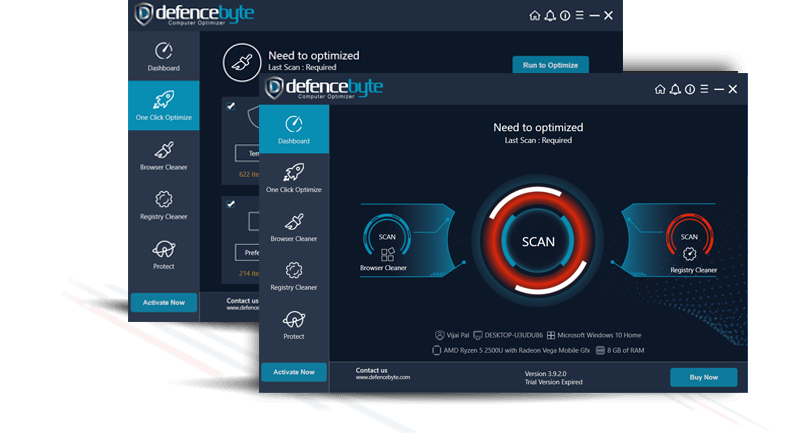
Computer Optimizer and PC PC Tuneup :
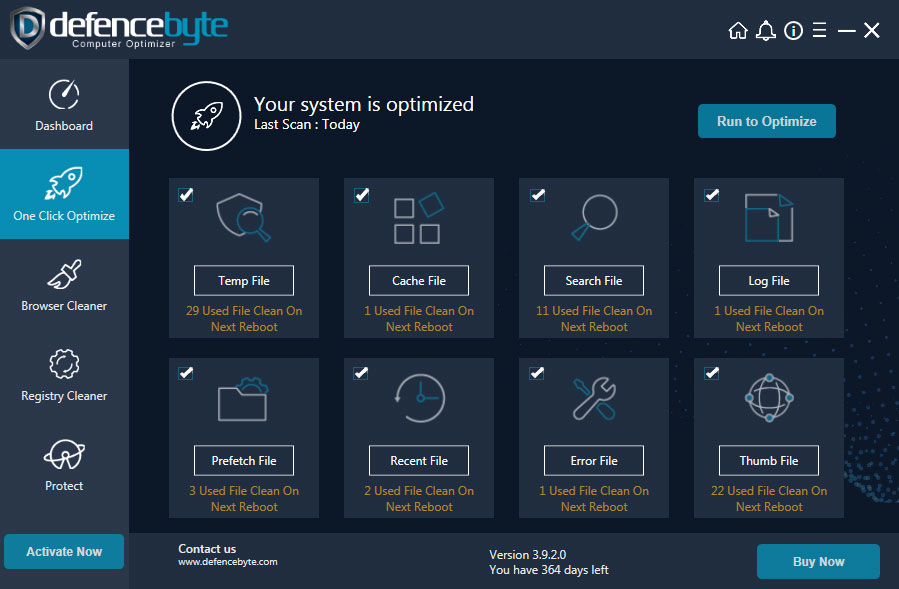
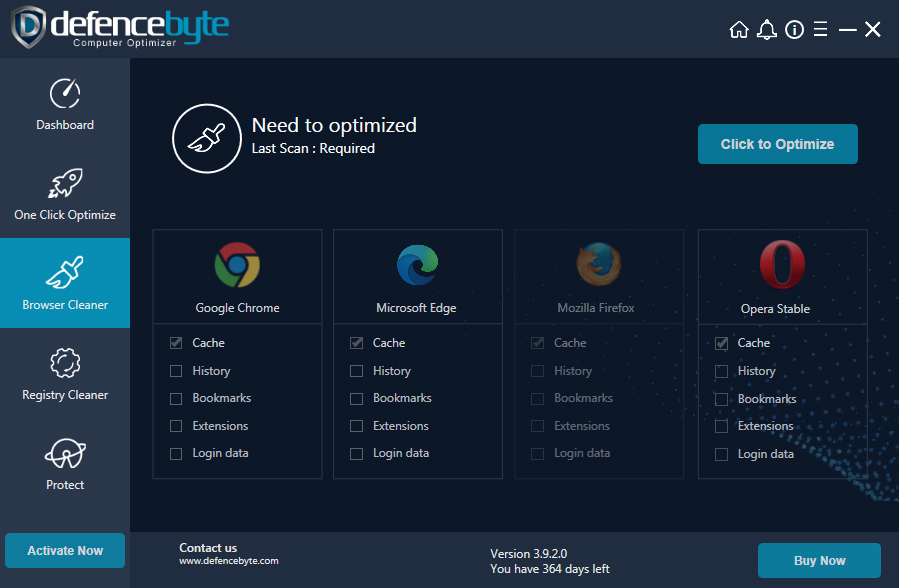
Pure Optimizer is another great value product developed by Unika Infocom. It’s a combination of Internet Optimization & Security, System Optimization, Firewall & Malware Protection, Browser cleanup, Website Security & Blocking. Below are some basic functions of ‘Pure Optimizer’.
One Click Optimizer :
Browser Cleaner :
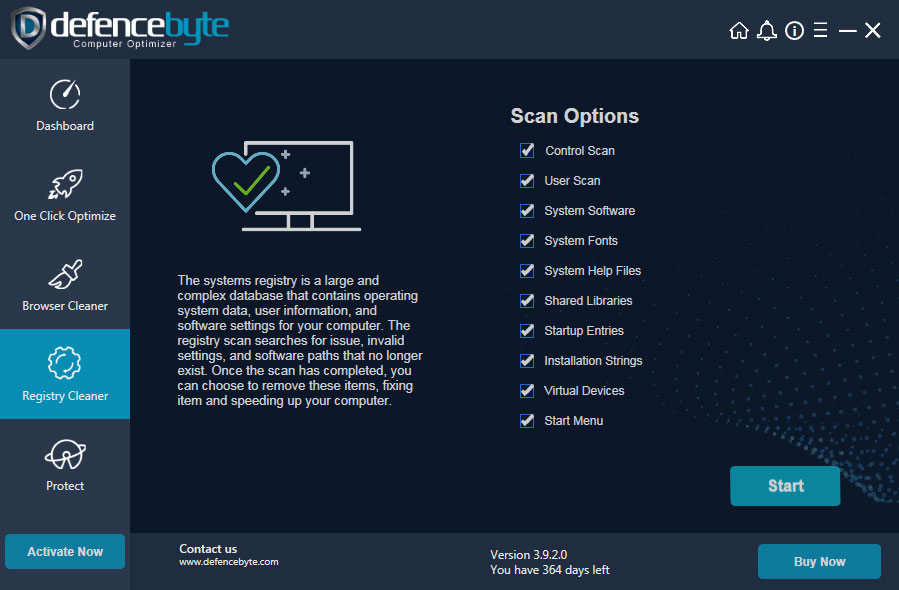
Registry Cleaner :
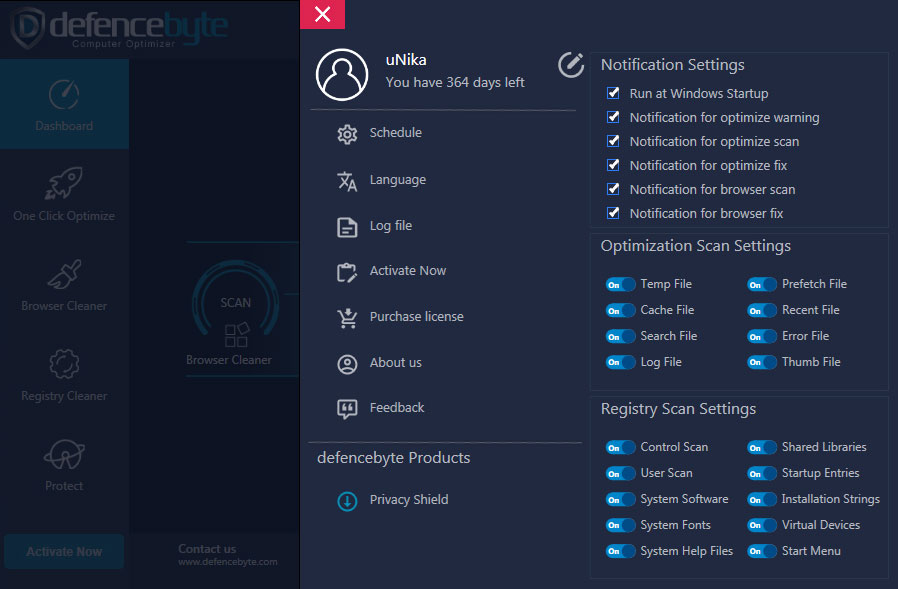
Application Settings :
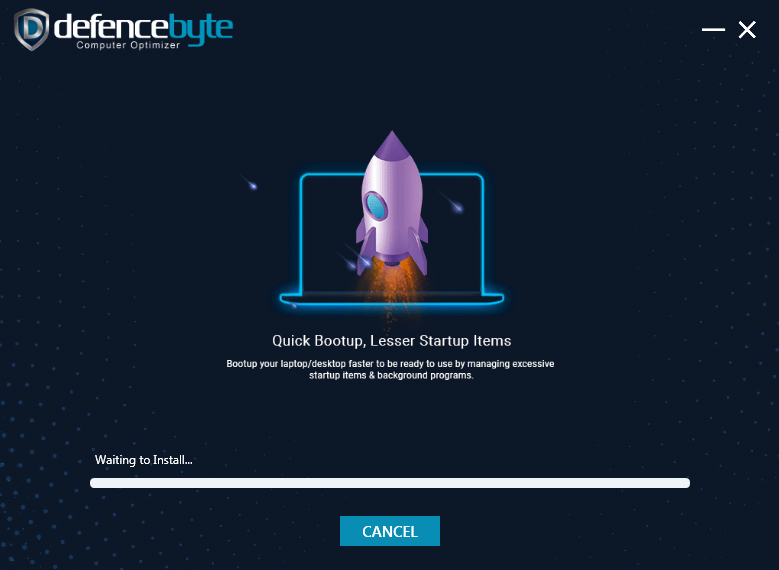
Custom Application Installer :
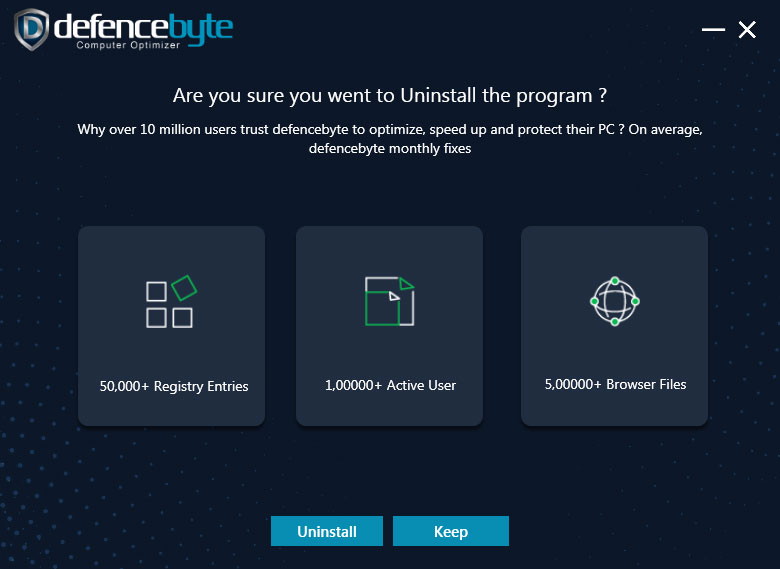
Custom Application Uninstaller :
- Windows startup configuration & optimizer.
- System tune-up, cleanup & defragmentation.
- Recovery, Restore & Backup.
- Internet Security.
- Blocking phishing sites.
- Blocking malware & plug-ins.
And More…
Driver repair and printer utility tools Development :
Bit Firewall :
ZoneAlarm Total Security (Internet Security & Antivirus):
This is another successful product of Unika Infocom. This product is developed for Caltech Technologies (UK).
Some Product Features:
- The product (IS & Antivirus) is sold through the website.
- Online Payment Option for Customers through the website.
- Admin Control Panel.
- User-Friendly Interface.
- General Antivirus Features.
- Two-Way Firewall Protections.
- Anti-Spy & Malware Protections.
- Anti-Phishing.
- Pop-up & Ad Blocker (Optional, by individual users’ choice from settings).
- Vulnerability Attack Blocker.
- Spam & Email Filter.
- Real-Time Monitoring & Protection.
- Search Guard.
- Web Filtering.
- High Performance.
Unika Infocom is also into Mobile Security Applications for Android & iOS. The vulnerability of mobile devices is greater than that of a PC System. Here, Unika gives the best solution for smartphone devices to protect them from potential cyber-attacks & threats.
Some tips to prevent cyber attacks and be aware of the threats:
- Keep your software up to date: Always use genuine software, avoid any pirated software or software from unknown sources or phishing sites, and always keep your software up to date.
- Don’t click on unknown links within emails: Do not click links within unknown or spam emails or emails you think are not from genuine sources. Also, never click on fishy links or links on fishy sites. As per a survey, PC attacks happen by clicking on some unauthentic
- Back up your computer: Back up your computer on a regular basis. Use an external hard drive or cloud storage from a reputed organization to regularly keep your PC backup.
- Use a strong password: A strong & complicated password can prevent most cyber-attacks, and also keep on changing your password at moderate intervals.
- Use a firewall: Always keep your system’s default firewall enabled to prevent unauthorized network attacks.
- Minimize downloads: Keep your browser security settings enabled & try not to download from fishy sites.
- Clean browsing: Avoid browsing unknown and fishy sites.
- Use a pop-up blocker: Web browsers have the provision to stop pop-ups, and you can set the browser security to accept pop-ups or block them. As per online safety & protection rules, never allow pop-ups from unknown sites and never click on links that appear in pop-ups.
By following some basic rules and being a little bit alert, we can actually prevent cyber threats and attacks. It will surely help you avoid hazards that can be dangerous. With some proper guidelines & rules and good System Security, you can be free from any Cyber Threats.
Last updated on September 02, 2026 at 11:41 AM
Thanks for the lovely Services & Details Article.